AI-translated archive post

How to Test for Initial Defects After Buying a Galaxy Smartphone

Lavian Plastic Surgery Clinic · 그리운 어제, 행복한 오늘, 설레는 내일... · March 9, 2023

I’ll briefly explain how to test for initial defects after purchasing and unboxing a Galaxy smartphone. ​ The method is very simple. ​ In phone mode, enter the following on the key...

AI translation notice

This page is an English translation of a Korean Naver Blog archive entry. For exact wording and source context, verify against the Korean archive original and the original Naver post.

Clinic: Lavian Plastic Surgery Clinic

Original post date: March 9, 2023

Translated at: April 24, 2026 at 12:41 AM

Medical note: This translation does not guarantee medical accuracy or suitability for treatment decisions.
I’ll briefly explain how to test for initial defects after purchasing and unboxing a Galaxy smartphone.

The method is very simple.

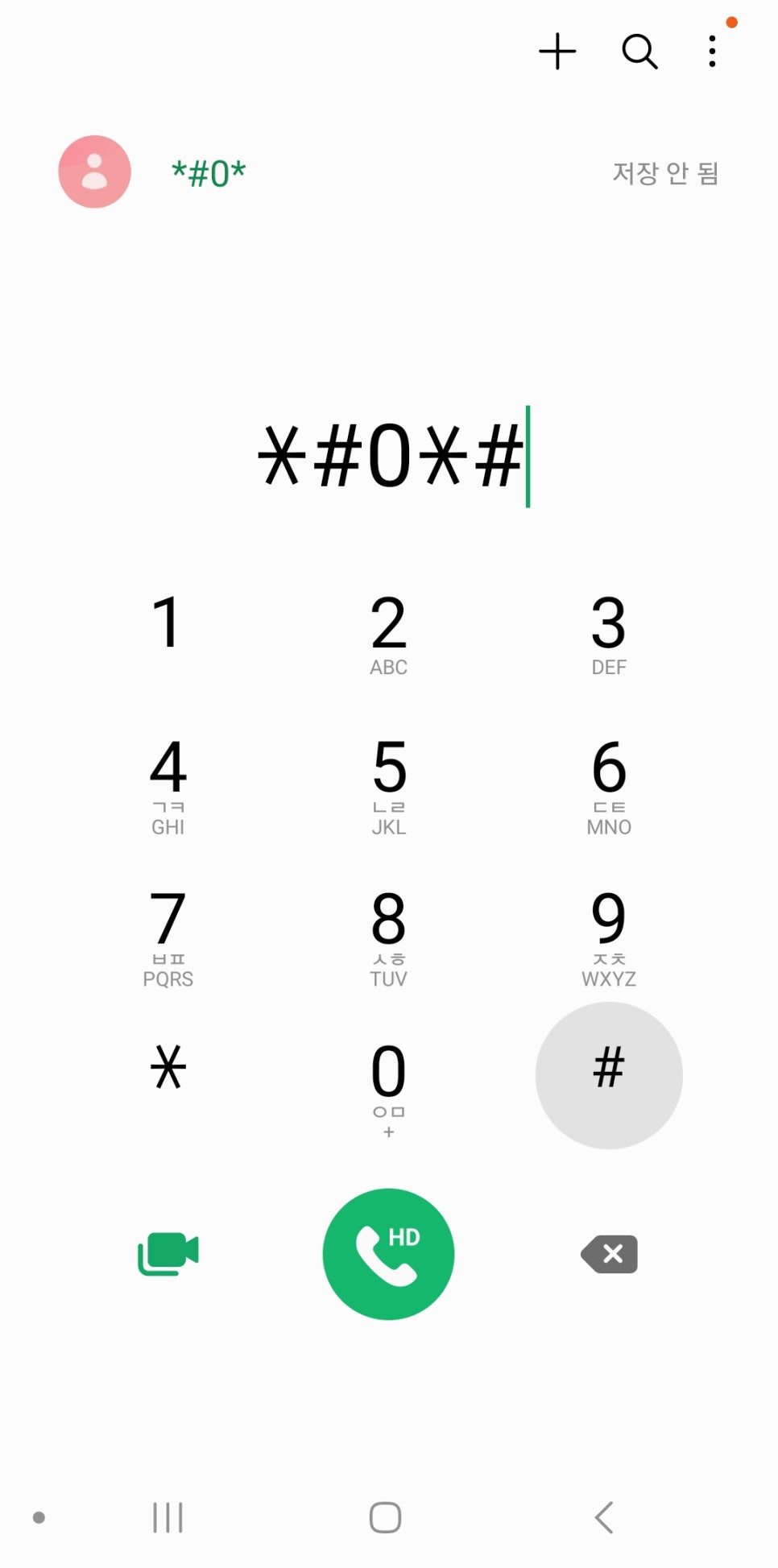
In phone mode, enter the following on the keypad:

#0#

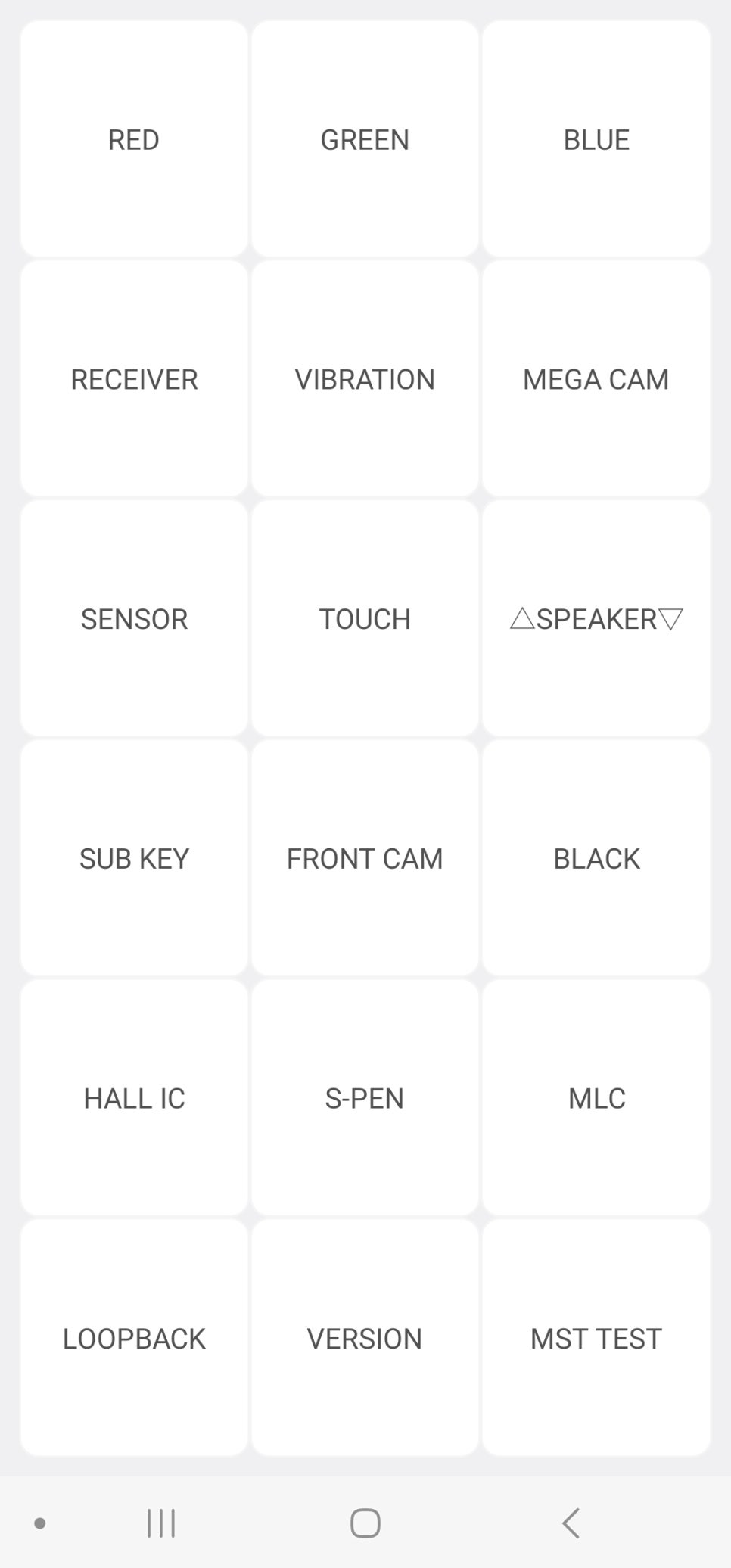
Then you will immediately enter the test mode shown below. ​

How to Test for Initial Defects After Buying a Galaxy Smartphone image 1

Enter #0# in phone mode

How to Test for Initial Defects After Buying a Galaxy Smartphone image 2

Screen in test mode

Now, on the screen above, just touch the part you want to test.

If you touch RED at the top left, you can perform a display test like the one below.

First, you should check whether there are any hot pixels or dead pixels.

How to Test for Initial Defects After Buying a Galaxy Smartphone image 3

If you touch RECEIVER and VIBRATION, you can test the sound and vibration respectively.

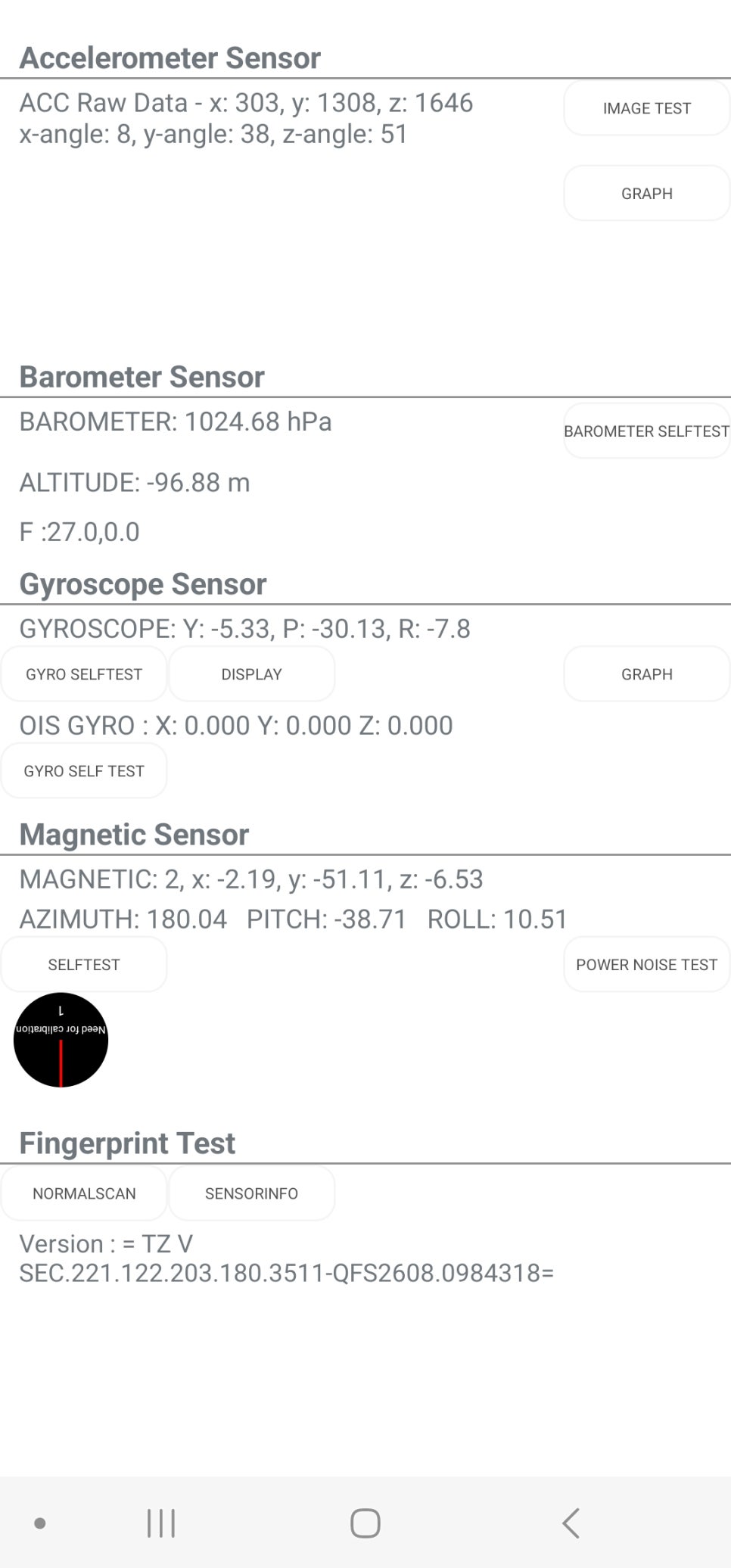
If you touch SENSOR, the following screen appears.

How to Test for Initial Defects After Buying a Galaxy Smartphone image 4

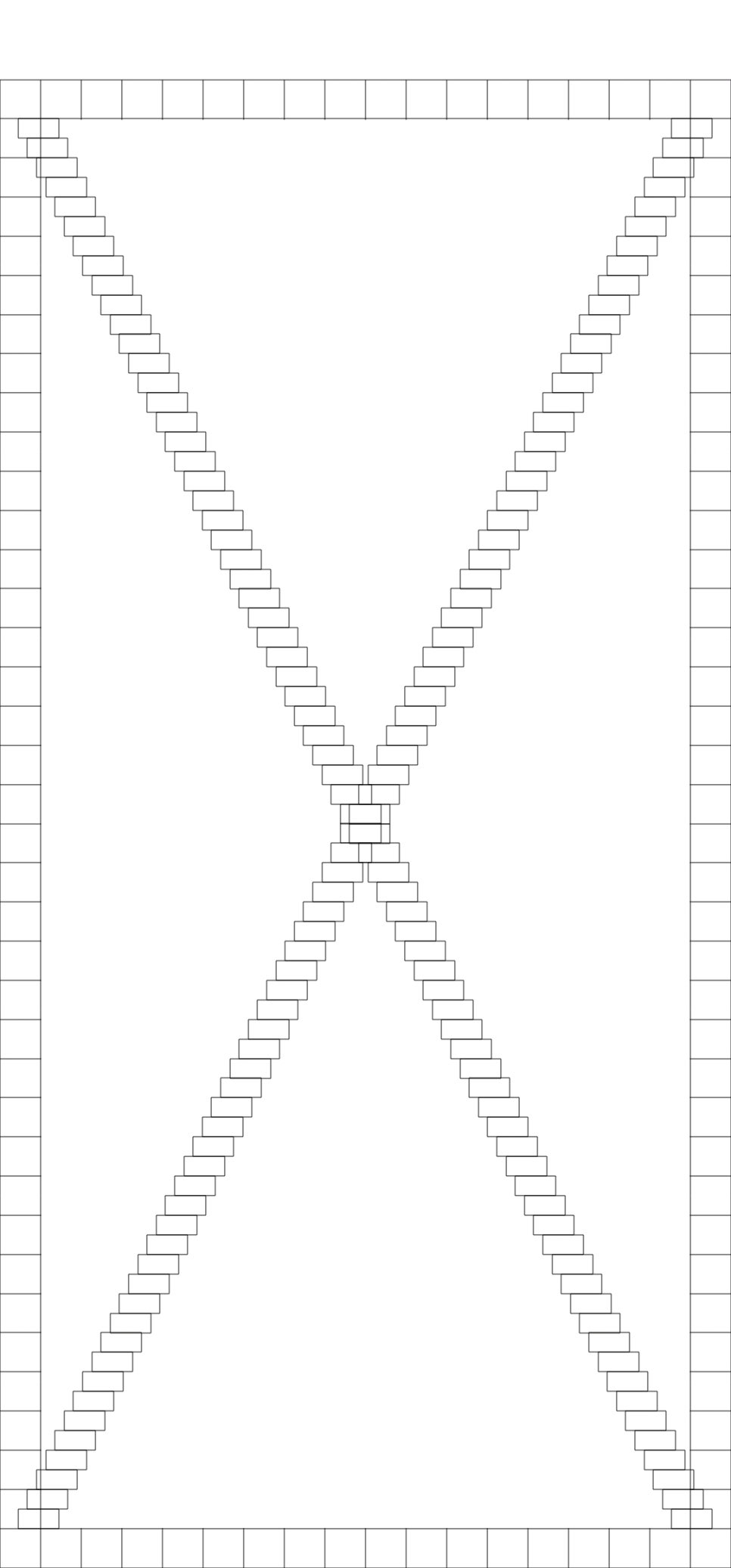
If you select TOUCH, you can test the performance of the touchscreen on the screen below.

How to Test for Initial Defects After Buying a Galaxy Smartphone image 5

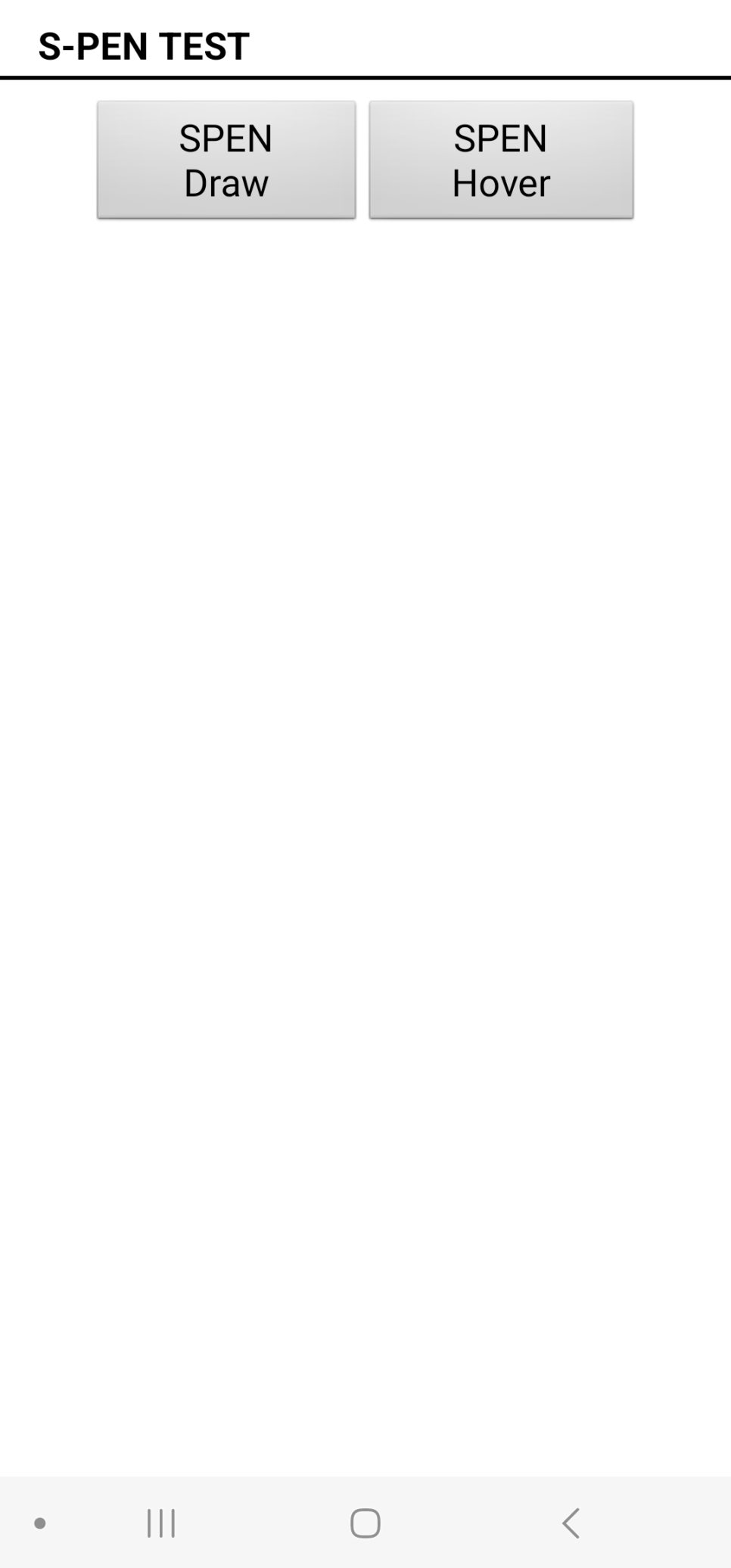
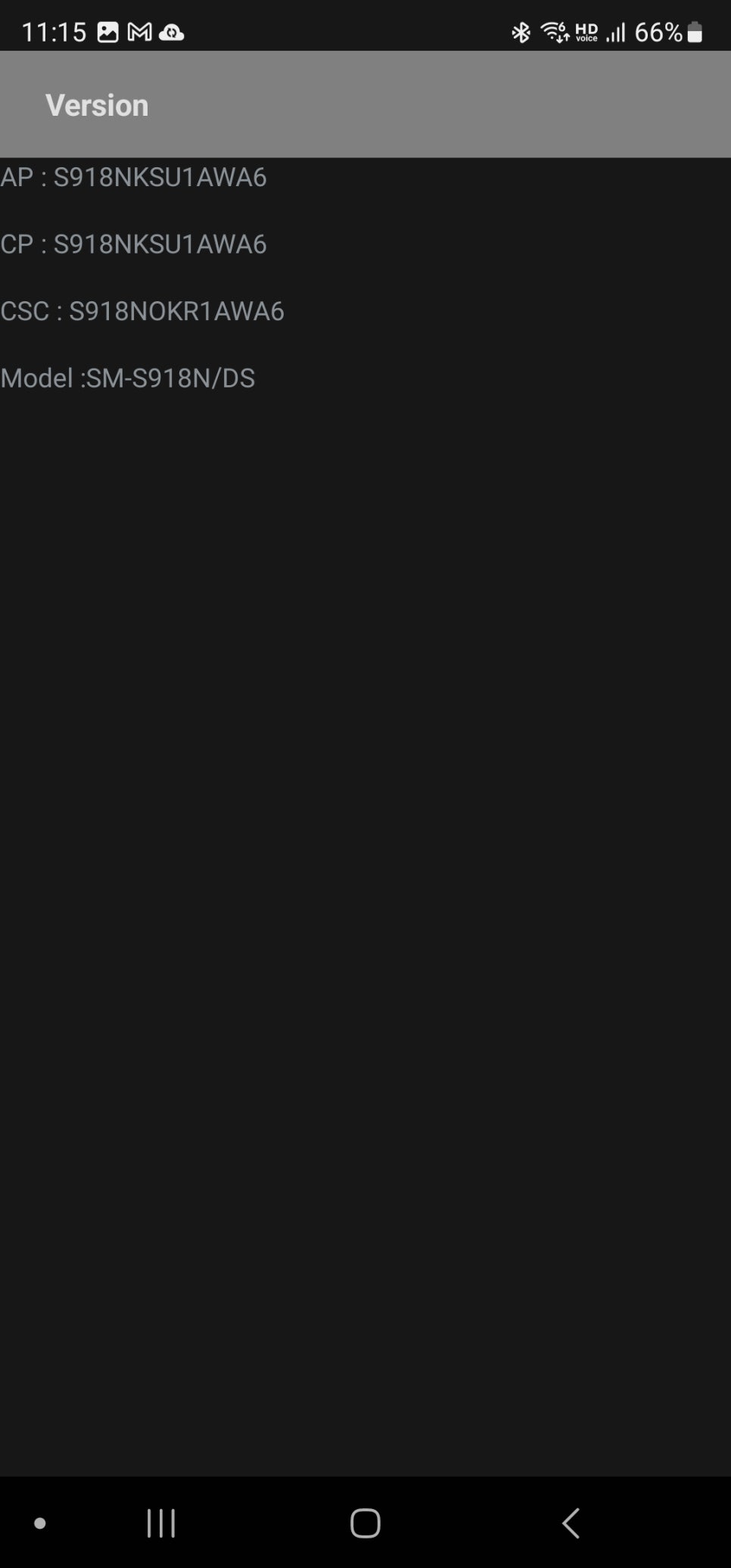
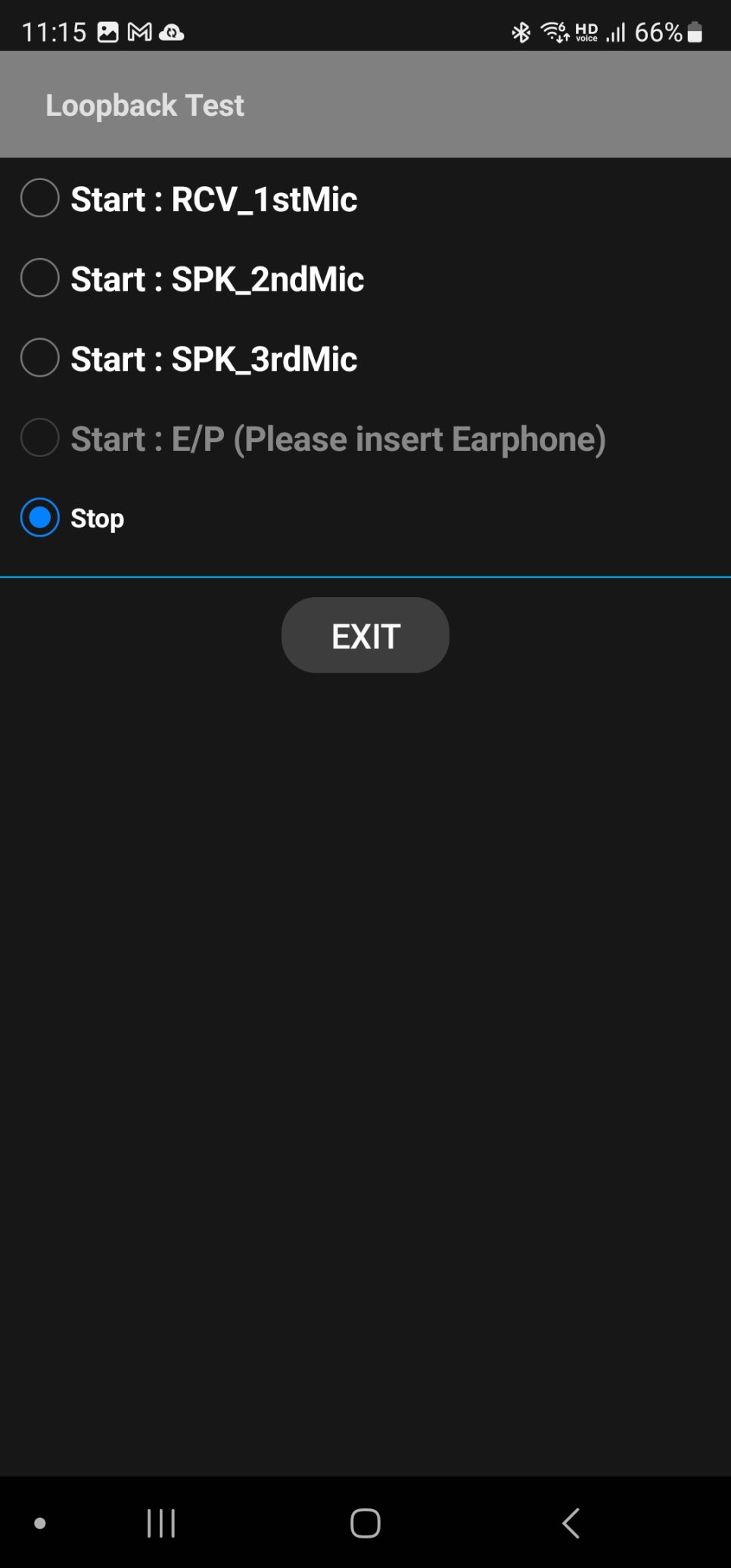
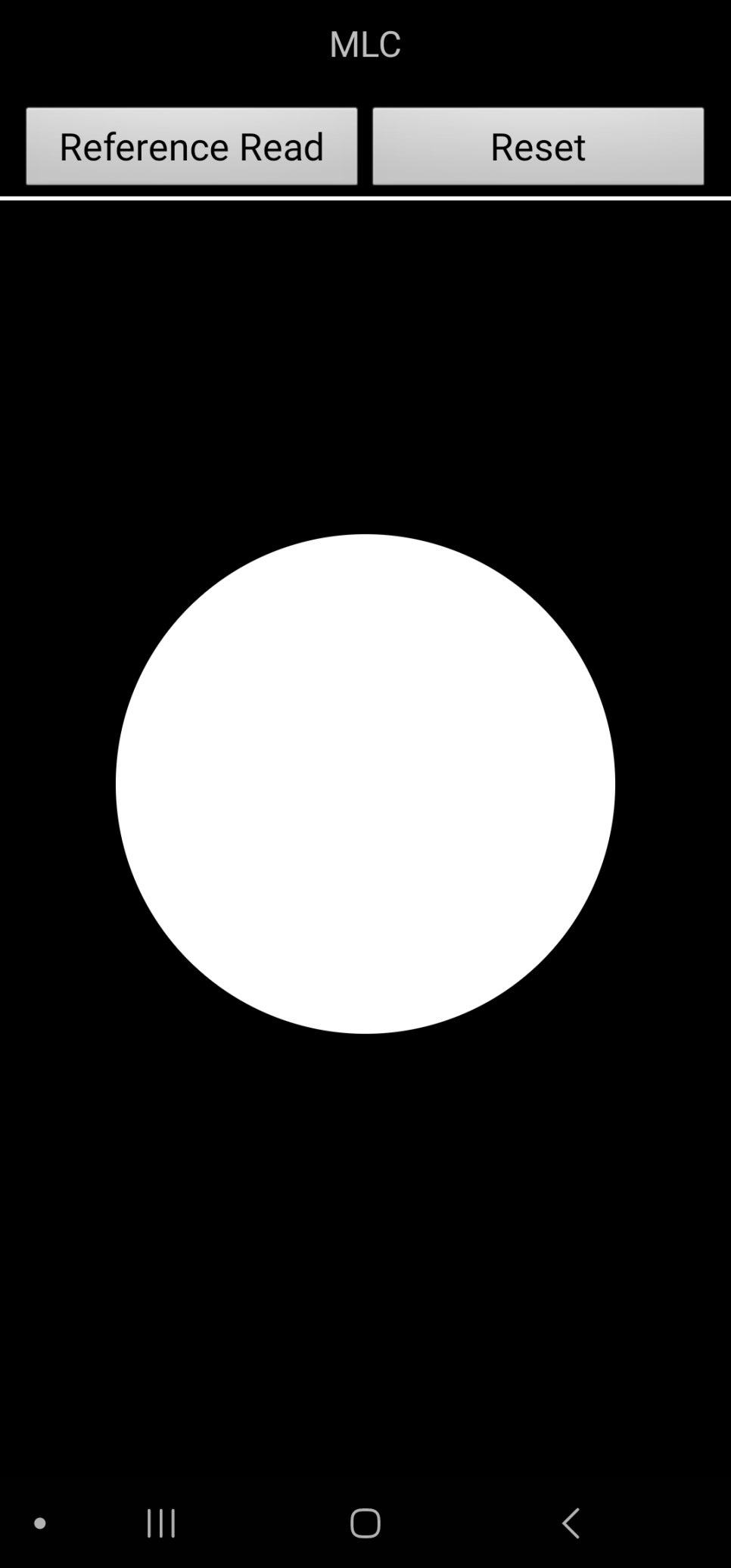
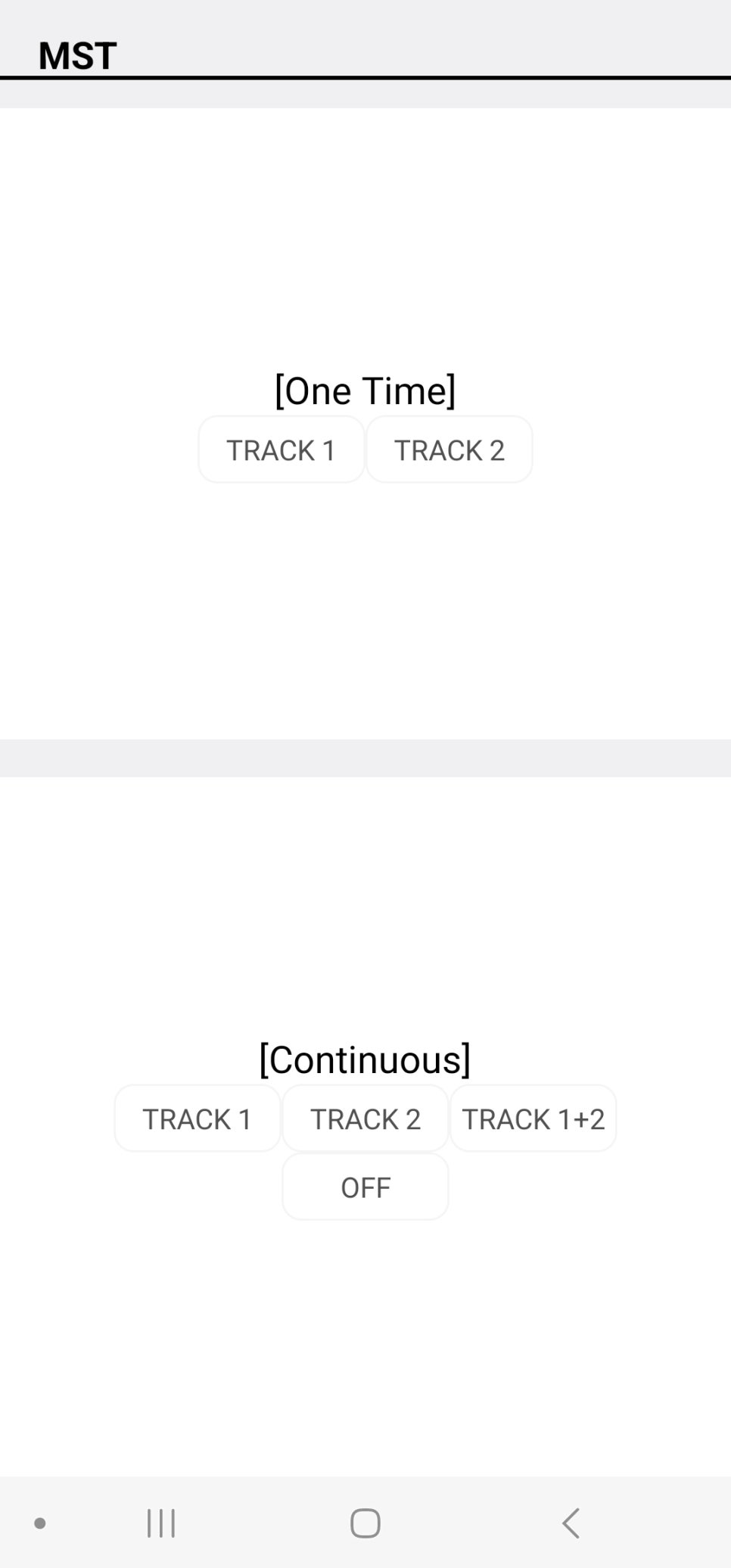
In addition, by touching various items, you can run different tests.

How to Test for Initial Defects After Buying a Galaxy Smartphone image 6

How to Test for Initial Defects After Buying a Galaxy Smartphone image 7

How to Test for Initial Defects After Buying a Galaxy Smartphone image 8

How to Test for Initial Defects After Buying a Galaxy Smartphone image 9

How to Test for Initial Defects After Buying a Galaxy Smartphone image 10

Previous image Next image

Continue browsing

Keep exploring this clinic's public source trail

Return to the source archive for more translated posts, or open the Korean clinic profile to compare other public channels.