Bluetooth keyboard Logitech K480
Multi-pairing review!
/
Recently, I felt the need for a Bluetooth keyboard,
so I debated whether to buy one and then went ahead and got it....!
I saw many reviews saying that the Logitech Bluetooth keyboard K480 was good,
so I bought this one!
You can buy it more cheaply online,
but I couldn’t wait for the shipping time, so I bought it at Hi-Mart.
It seems like offline stores are about, like, 10,000 won more expensive.
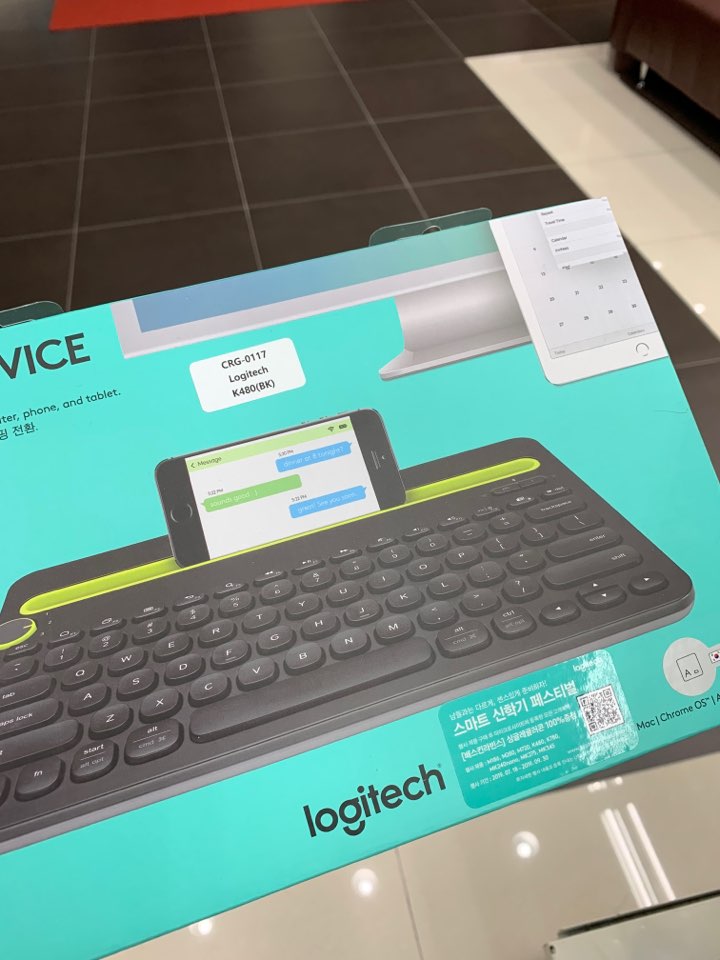
Since the Logitech K480 was already famous for being good,
I picked up the last keyboard left in the store.
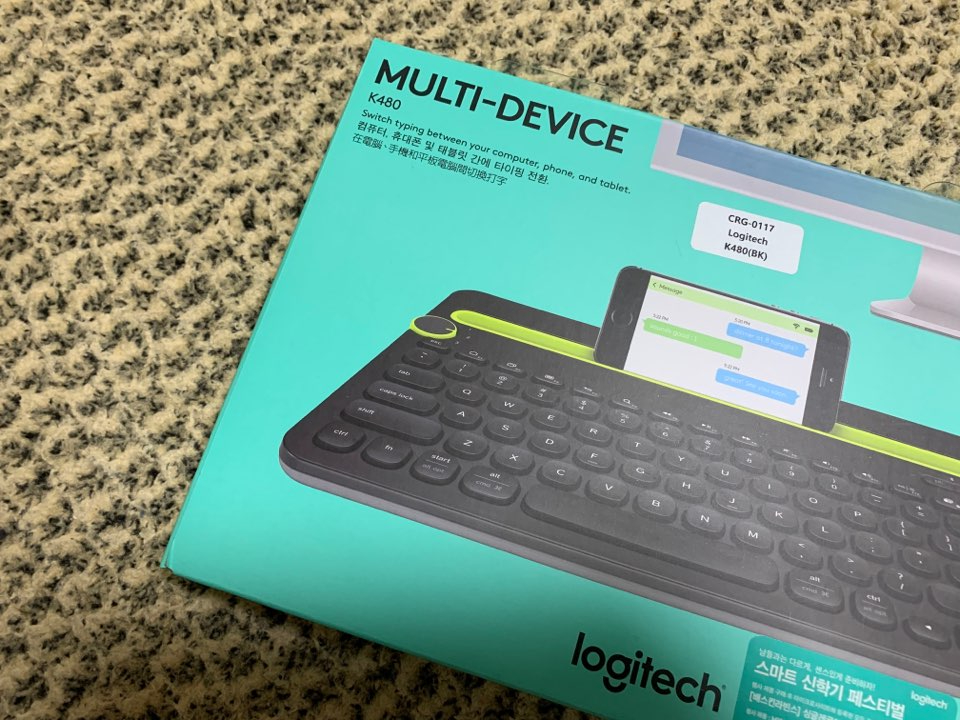
I actually wanted white more than black,
but it was still nice to be able to use it right away,
and I didn’t have a color choice lol
They also sell separate key skins for the Logitech K480 keyboard.
I haven’t bought a key skin yet!
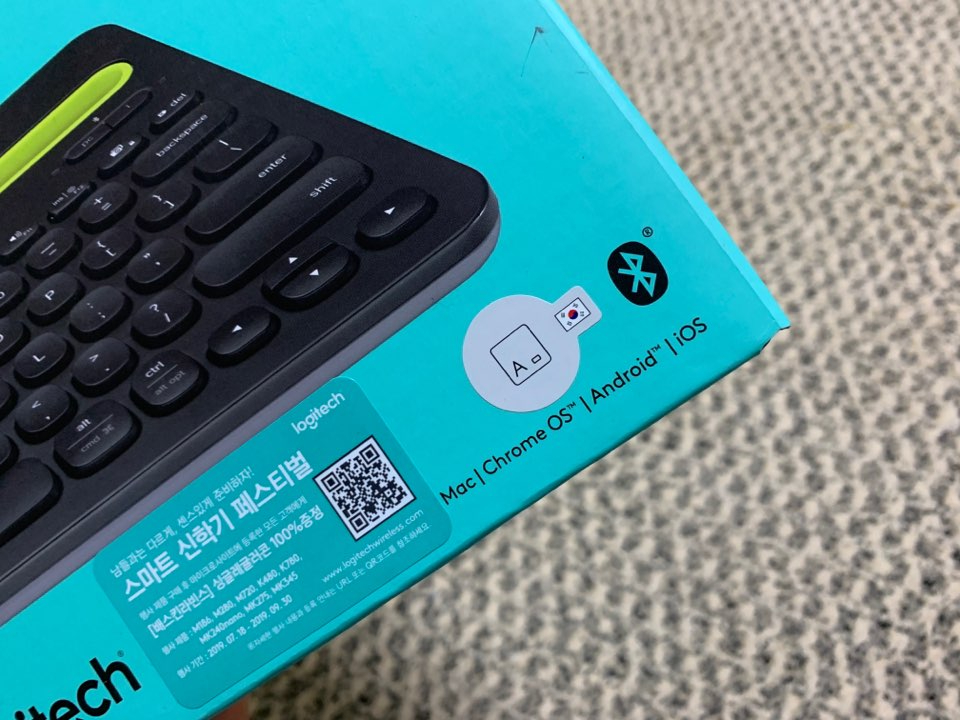
Also, since there are sometimes keyboards that only support English,
you need to check whether it supports both Korean and English!
While reading reviews of Logitech Bluetooth keyboards,
I saw that this was something you absolutely had to check.
Confirmed that Korean input works too
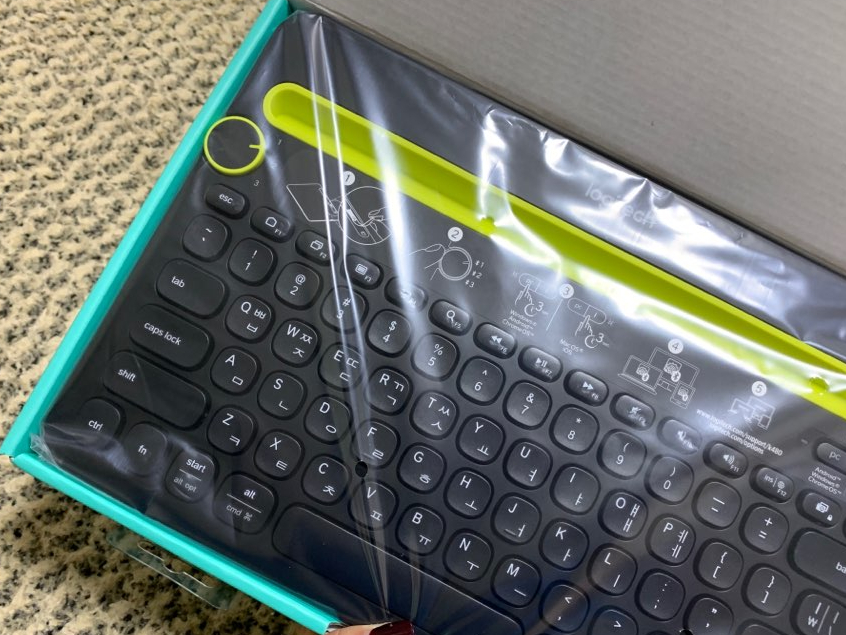
Opening the Logitech K480 keyboard
It is famous as a Bluetooth keyboard that connects not only to PCs but also to smartphones and tablet PCs.
I heard that regardless of the device type or OS,
you can use multiple devices at once.
It can connect up to three Bluetooth devices simultaneously,
and it also has a cradle where you can place a smartphone or tablet PC.
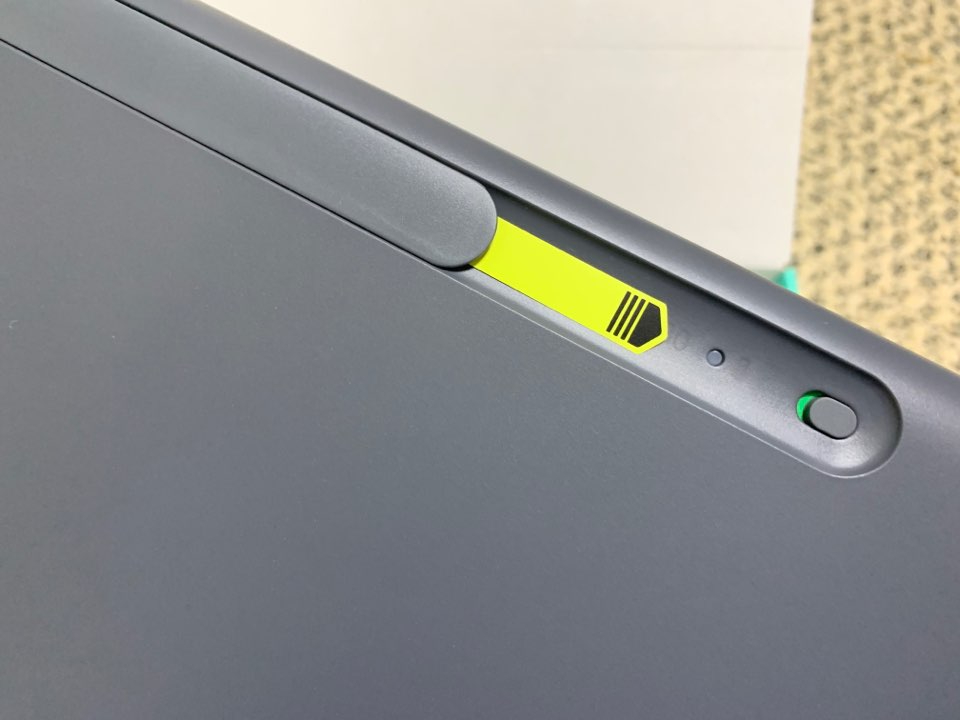
Having the power button on the back of the keyboard
was a little inconvenient.
Every time I use it, I have to look at the back of the keyboardㅠ.ㅠ
If you pull the paper next to the power button in the direction of the arrow,
the battery turns ON right away!
The keyboard battery comes with 2 AAA batteries included,
and they say you can use it for 2 years without replacing the batteries.
(Based on 20,000 key presses per year)
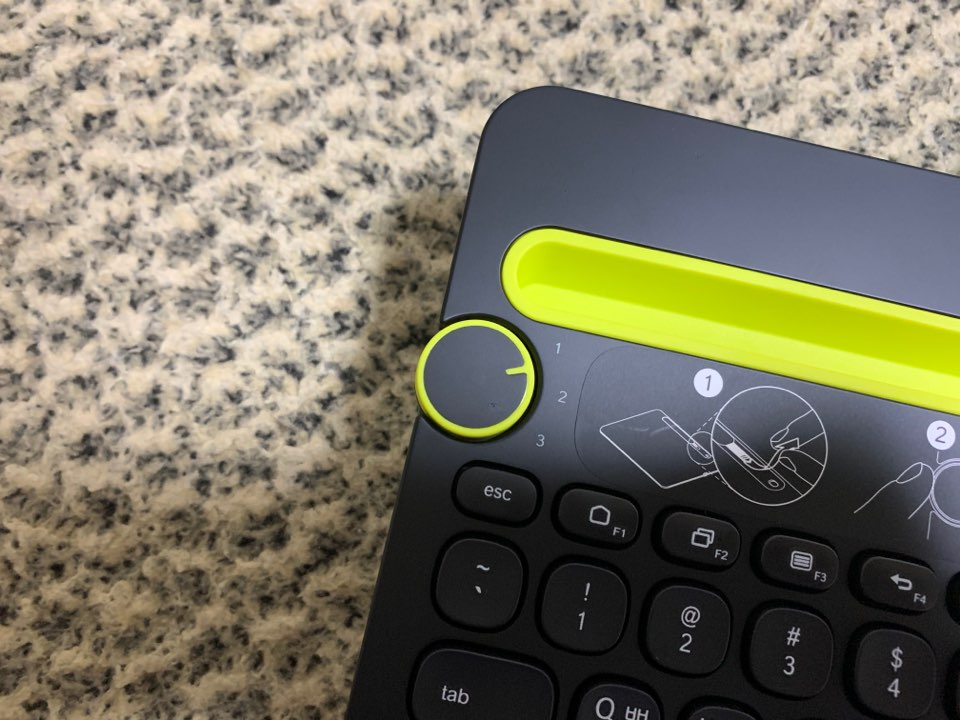
First, turn the dial to the number you want to register!
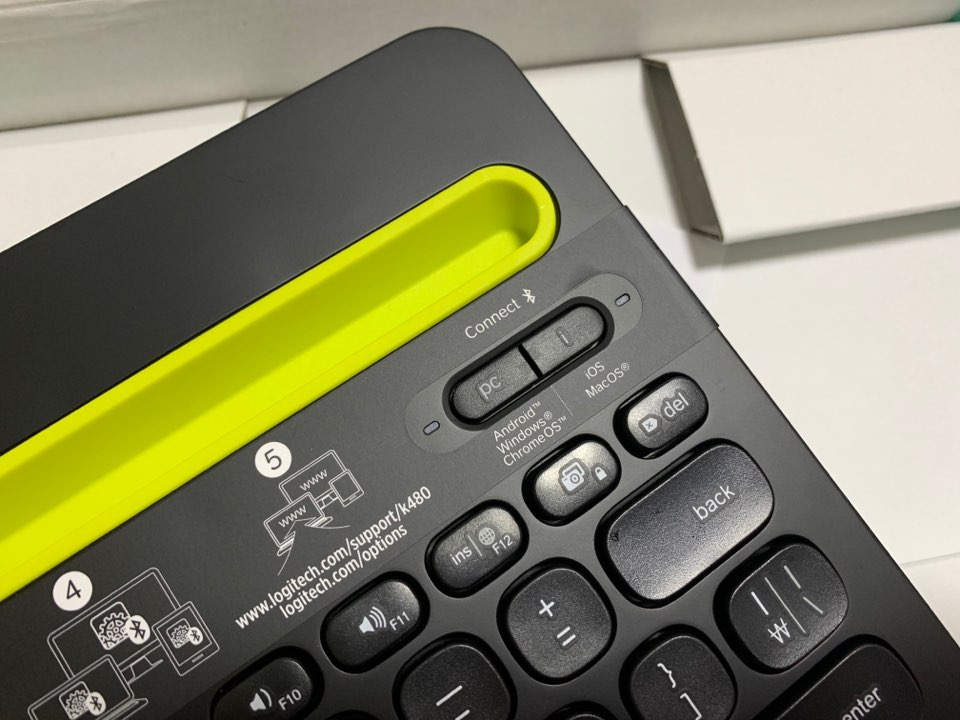
Then choose and press Windows/Android/Chrome OS pairing
Mac OS / iOS pairing
Choose the one you need and press it!!!
#bluetoothkeyboard #logitechkeyboard #k480
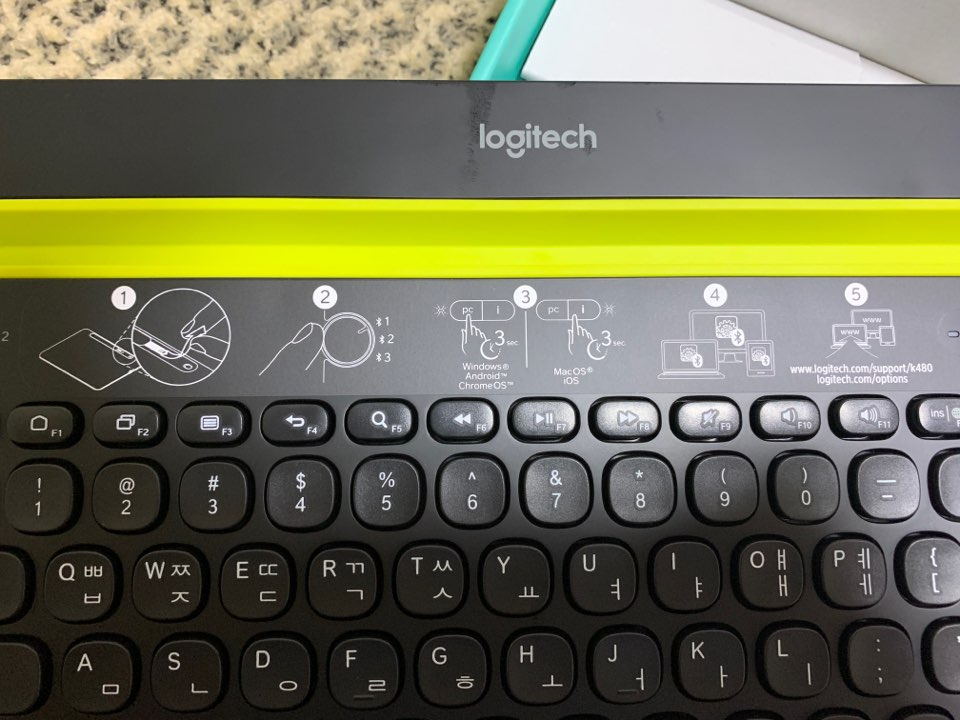
A user manual in Braille
is attached to the keyboard!
It’s just a simple picture-based guide,
but it was nice because I could understand it right away.
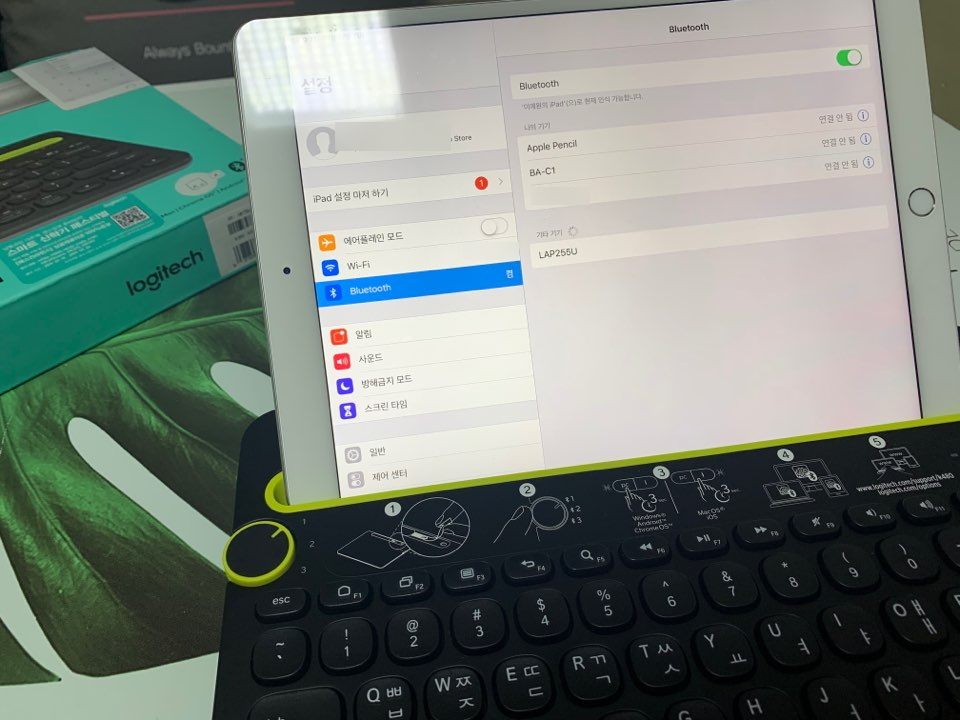
One of the reasons Logitech Bluetooth keyboards are famous is
that the connection is incredibly fast!!!!
I used it with my iPad and phone connected,
and even when switching devices, the connection was extremely fast.
There isn’t much lag either, and I’m really using it comfortably.
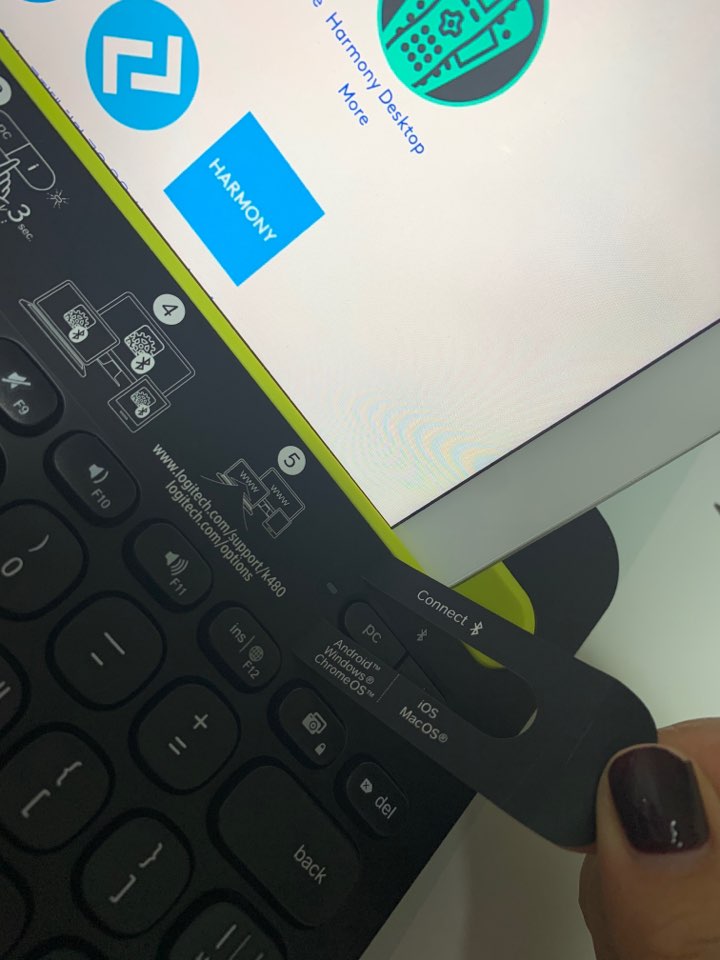
The Logitech K480 instructions
stuck on top of the keyboard are a sticker,
so all you have to do is peel it off ! !