I use an iPad Air 3, and I also use an Apple Pencil together with it!! Lately, I’ve wanted to learn drawing on my iPad, so I’ve been doodling here and there,, but I guess I’m really not very good at drawing. ㅎ.ㅎ
At first, when I bought it, I didn’t know I’d use it this much, so I just went with a regular film, but the everyday scratches got really bad.
Also, even when I put on a pen tip, it still felt kind of slippery...!
Since I heard that if you use a Pencil a lot, a paper-texture film is better, I bought a new one.
A blogger I often read also uses Skoko products, so I bought a Skoko iPad film too.
I bought it through Naver Pay, and it cost less than 10,000 won!
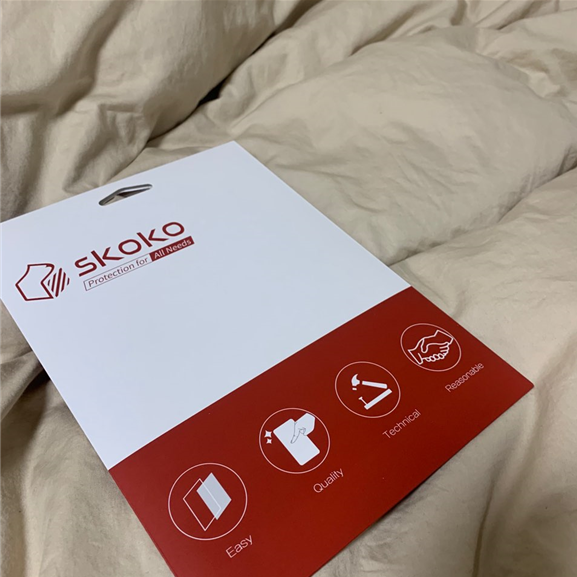
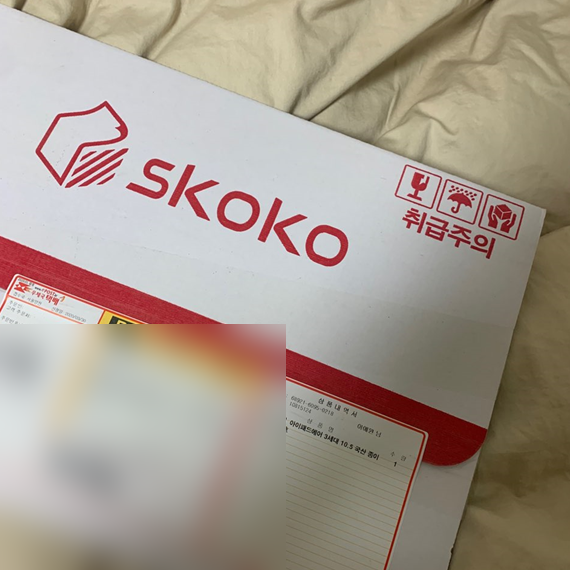
The delivery was really fast too, so it arrived the very next day after I ordered it,
and the package box had “Handle with care” written on it ㅎㅎㅎㅎ
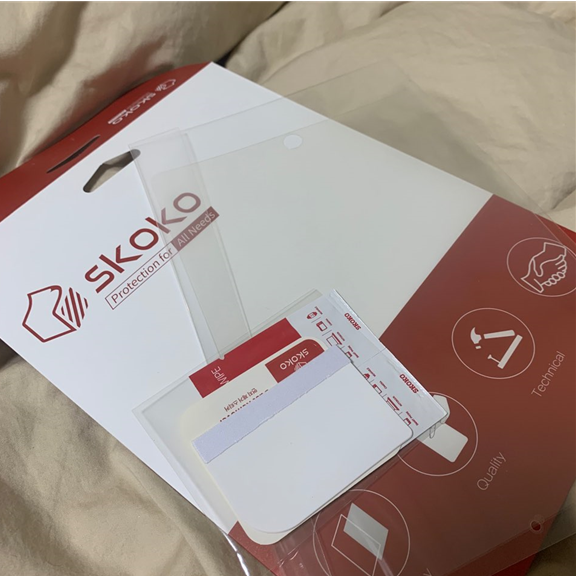
It came with a Skoko iPad film, dust stickers, a disposable alcohol wipe,
and a tool for removing air(?) as the contents.
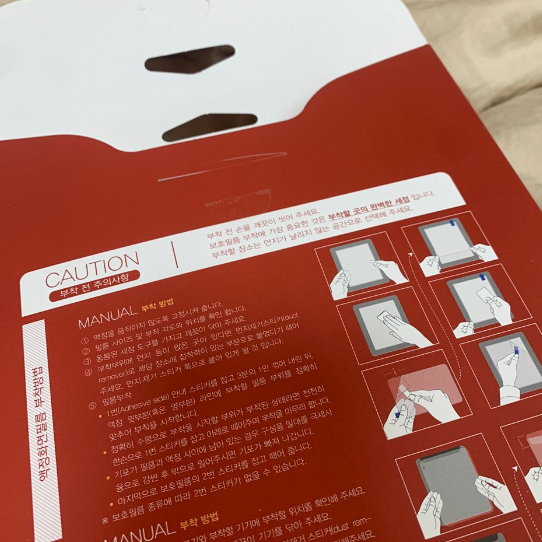
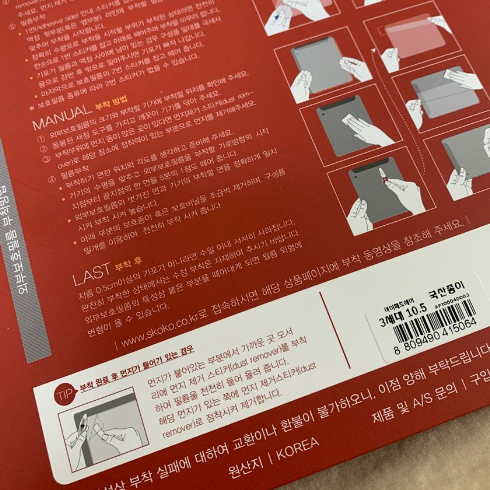
There are also instructions on how to apply the iPad film.
How to apply the screen film
-
Secure the screen so it does not move.
-
Check the film size, application angle, and position.
-
Use the included cleaning tool to wipe it clean.
-
If there is any dust, etc. on the application area,
remove it with the dust removal sticker.
- Apply the film
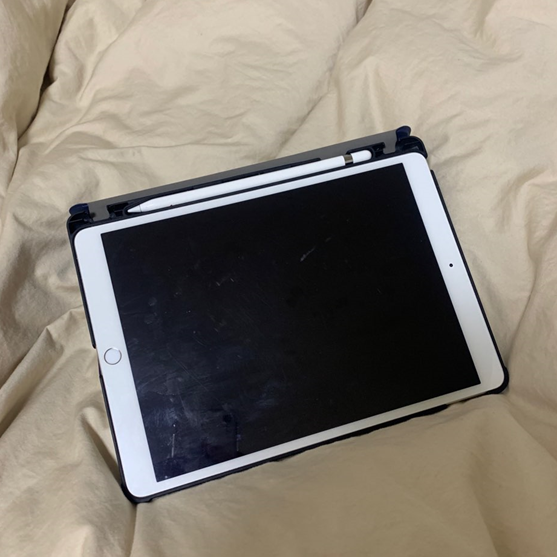
Before replacing the iPad screen film!
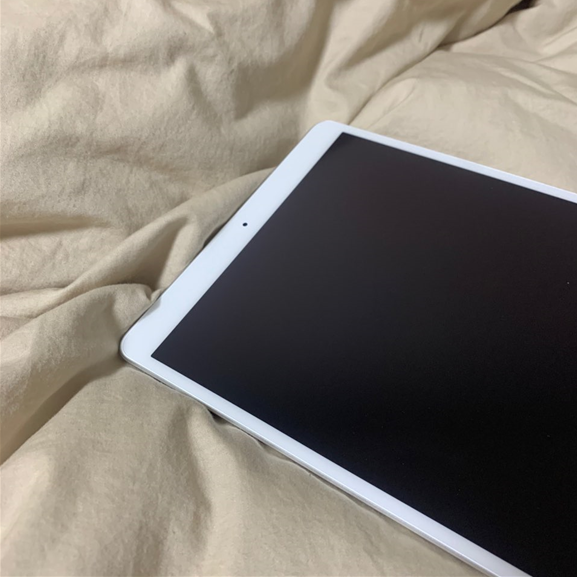
After replacing with the Skoko iPad film!
It definitely feels like you’re using a new product when you replace it with a fresh screen filmㅋㅋㅋㅋㅋㅋㅋㅋ The paper-texture film feels different from a regular film, but it was really nice to use with a Pencil.
Also, this was my first time replacing a film, so I was worried I might not be able to attach it properly, but the Skoko iPad film was very easy to apply!!
Completely satisfied!!! As expected, Made in Korea!!!! (fluttering)
*Due to the nature of the product, exchanges or refunds are not possible for failed application, so please understand this point.
�